
Gimkit Host refers to the role and feature that allows a user (usually a teacher or quiz creator) to run live learning games on the platform Gimkit. Hosting is the central function of Gimkit, enabling interactive quizzes where students or participants join in real time using a game code.
It is widely used in classrooms and online learning environments to make revision and assessments more engaging through game-based learning.
What Does “Gimkit Host” Mean?
To “host” on Gimkit means to:
- Start a live game session
- Control game settings and modes
- Share a join code with players
- Monitor progress and scores in real time
The host acts as the game controller, managing how the quiz unfolds.
How to Host a Game on Gimkit
Hosting a game on Gimkit is simple and usually follows these steps:
1. Log in to Gimkit
Create or sign into your account on Gimkit.
2. Select a Kit
Choose an existing quiz (“Kit”) or create a new one.
3. Click “Play” or “Host”
Select the game mode you want, such as:
- Classic Mode
- Team Mode
- Assignment Mode (for homework-style play)
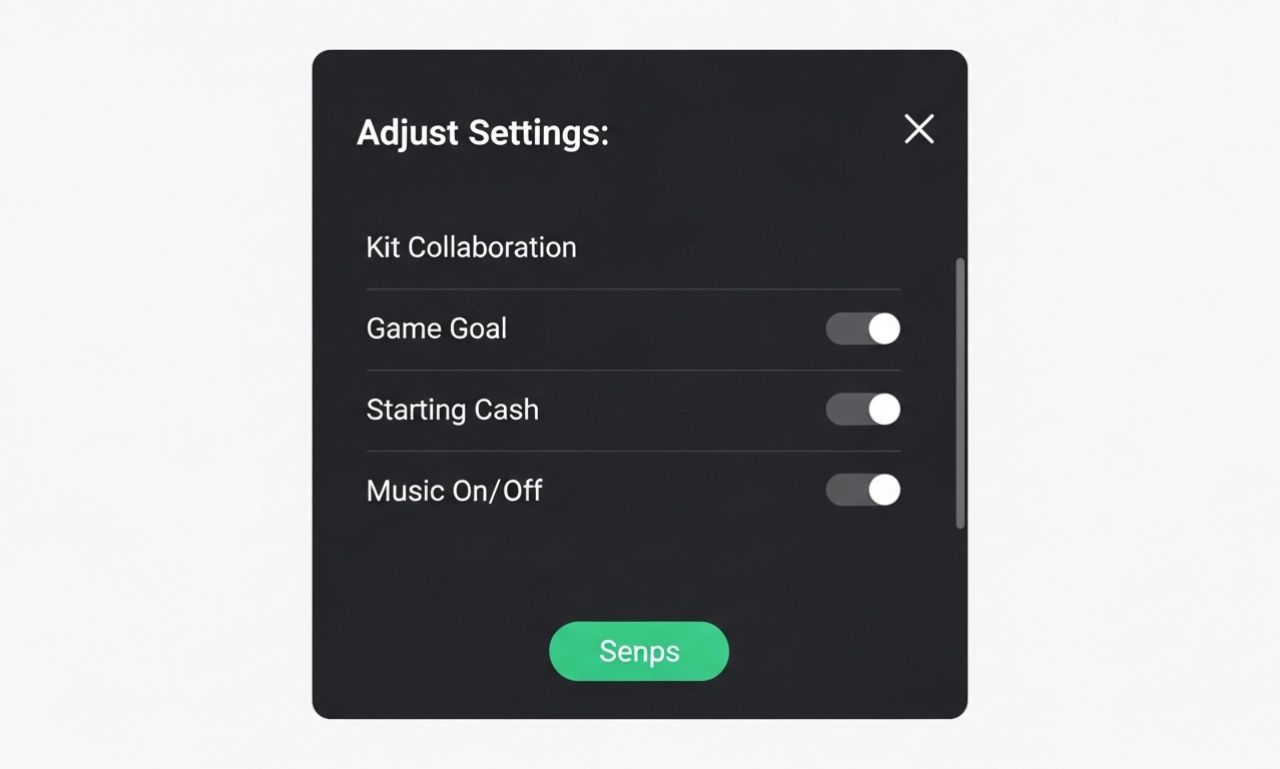
4. Configure Settings
Hosts can adjust:
- Time limits
- Power-ups
- Question order
- Game goals
5. Share the Game Code
Students join using a code displayed on the host screen.
6. Start the Game
Once everyone joins, the host begins the session.
Key Responsibilities of a Gimkit Host
A host is not just starting the game—they also manage the experience:
- Ensuring players join correctly
- Monitoring real-time performance
- Controlling game flow (pause/resume/end)
- Reviewing final results and reports
This makes the host role essential in classroom engagement.
Benefits of Being a Gimkit Host
Hosting games on Gimkit offers several advantages:
1. Interactive Learning
Students participate actively instead of passively listening.
2. Real-Time Feedback
Hosts can instantly see who understands the material.
3. Gamified Education
Points, currency, and upgrades make learning more fun.
4. Flexible Teaching Tool
Works for revision, quizzes, homework, or competitions.
Popular Gimkit Game Modes for Hosts
Some commonly used hosting modes include:
- Classic Mode: Individual competitive gameplay
- Team Mode: Group-based learning competition
- Trust No One: Strategy-based deduction game mode
- Infinity Mode: Continuous gameplay for practice
Each mode changes how students interact with questions.
Tips for Effective Hosting
To make the most of Gimkit hosting:
- Keep instructions clear before starting
- Choose the right game mode for your lesson goal
- Monitor student engagement during play
- Use reports to identify learning gaps
- Mix competitive and cooperative modes for balance
Conclusion
A Gimkit Host plays a key role in transforming traditional quizzes into interactive, game-based learning experiences. Through Gimkit, teachers and educators can create engaging sessions that improve participation, motivation